kathar.in

-
Adventures in automating unchangeable apartment lights
For the last year or so, all of my lamps have used Hue bulbs, which means I can use my phone (via HomeKit) or Alexa to turn them on or off, change their brightness, and so forth. However, my apartment has some overhead lights in the kitchen area that are not easily replaceable with anything standard. Though I did try:

Living in an apartment, I also can’t replace my light switches with any of those fancy electronic IoT-ish switches, so I just let the problem be.
I finally tired of having three lights that didn’t respond, so I set out to solve the problem My requirements were the ability to control my lights via both Alexa and HomeKit, like the rest of my lights.
- 6 years ago
- 20 notes
- #switchmate
- #home automation
- #homebridge
- #homekit
- #alexa
- #oh look I'm rambling on my blog again
- #maybe I should do that more often
20 Comments -
It’s Demo Time!
Many of you have been patiently waiting since we announced our upcoming demo shortly after BronyCon 2016. Well, we’re pleased to tell you that it’s finally here! You can download the Stalliongrad (Solar Empire) at the link below!
https://www.dropbox.com/s/184y0arjgez58o0/Stalliongrad%20Demo.rar?dl=0
There are a few known bugs still in there, but this is the last demo we are releasing on the old engine and figuring out those bugs for an outdated version of the game would be redundant. This demo should be playable on both PC and Mac, and another one may be on it’s way later this year!
We also want to thank anyone who went to our Nightmare Nights Dallas panel. There were a number of confusions and complications, including no announcement on here, but everyone who went was awesome to talk to! Also, if you are attending Ponyville Ciderfest, there will be another panel there on Saturday at noon. Stop on by for info about the game, as well as a Q&A!Friendly reminder that this is a thing… that I do. Go play it!
This is also a thing I do. Hurrah!
No mac version yet, actually; that’ll have to wait until I get back home.
(via royalsketchbook)
159 Comments -
Pony Plushie Giveaway
Inspired by a conversation on the /r/mylittlepony Discord, I realised that everyone needs a half-decent pony plushie. And they aren’t very expensive!
So, if you:
- Currently own no pony plushies at all, and can’t afford to buy one.
- Are located in the US (for shipping reasons)
- Are one of the first five people to ask
- Send me (privately) your shipping address
Then I will send you a 4DE plush of your choice from the following set:
- Twilight Sparkle
- Rainbow Dash
- Applejack
- Fluttershy
- Rarity
(Pinkie Pie is not available. Twilight Sparkle may or may not have wings and they may be open or closed. If you have a preference, you can specify, but I make no promises.)
Here’s a handy picture of what they all look like:

Finally, while I will try to ship out a plush to the five claimants, this could fall through for any reason.
To request a plush, email me at katharine@kathar.in with the subject “Pony Plush” and assert that you don’t have a plush and can’t afford one.
7 Comments - Currently own no pony plushies at all, and can’t afford to buy one.
-
Adventures in macOS Sierra
Apple released a new operating system! Hooray! I decided it might be worth upgrading to it. So let’s run the installer and see what happens…

Oops! It kernel panicked in CoreStorage as soon as it rebooted to begin the install. And then again when I rebooted it. And again in safe mode. Okay, I guess we’re going to have to boot internet recovery to poke at this thing with Disk Utility…
0 Comments -
Scripted UI in Second Life: What could’ve been
I don’t have very many interests, but the set I do have are pretty eclectic. So taking a detour from the topic of recent posts on this blog, let’s talk about Second Life for the first time in years! Here is a (silent, 47-second) teaser of what never shipped:
What happened? Well, ultimately, nothing. But there is a longer story…
1 Comments -
I have delegated my job to a horse. It’s going well so far.
13 Comments -
Sunday Official Game Livestream!
We had so much fun livestreaming the game earlier this week, we’re doing another one! Better yet, we’re actually scheduling this one, and it won’t be at ridiculous hours of the evening!
Catch us at picarto.tv/GremlinGrenade or picarto.tv/SilfoeArts at 12pm CST (or 10am PST, or 1pm EST… etc). The stream will be going for an undetermined amount of time (basically until all of us have about had it and can’t so much as stay awake anymore).
See you there!
I’ll be there, flailing at a text editor full of colourful words and symbols. (And on that note, picarto.tv/Katharine will also work.)
Come watch!
26 Comments -
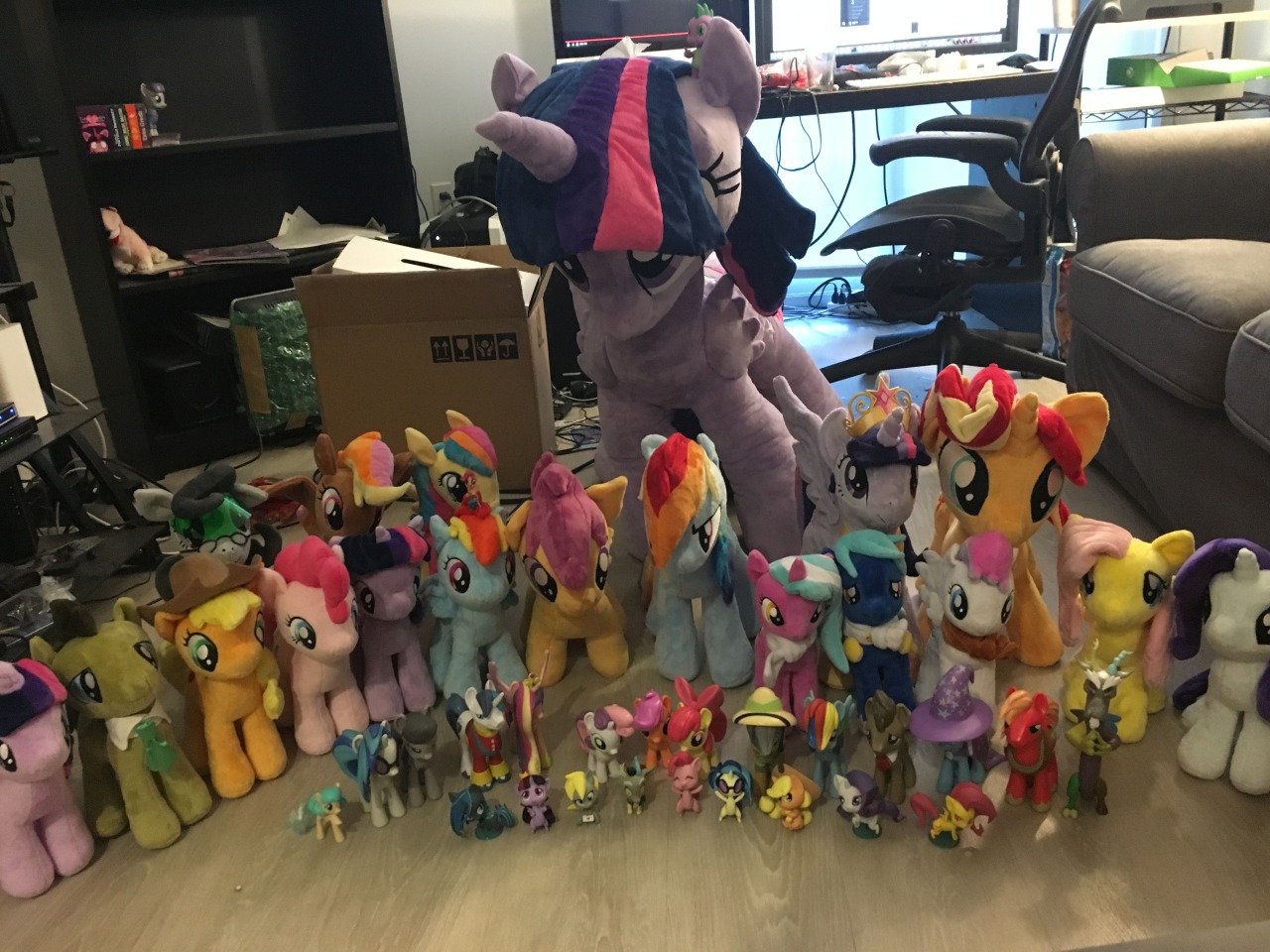
This group photo inspired by @royalsketchbook.
Maud was distracted by a rock and missed the photo; you can see her on the left on a shelf, behind some TSSSF cards.
2 Comments -
The majestic rise of Twilight Sparkle, Princess of Books and/or Friendship.
2 Comments -
BronyCon Wrapup
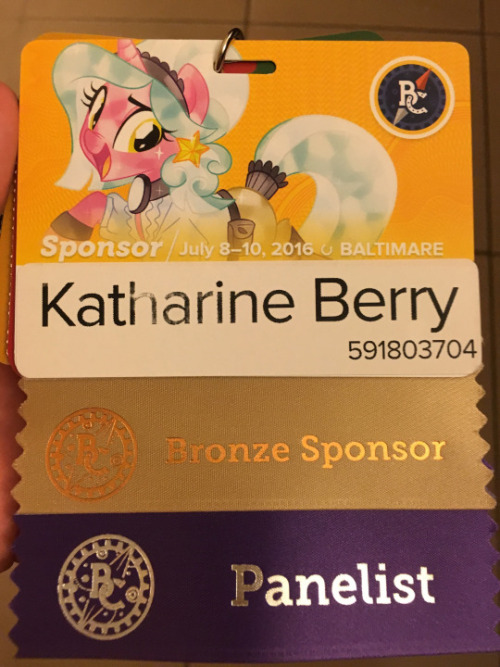
As previously mentioned, and as was also blindingly obvious on Twitter, I spent the weekend over in Baltimore at BronyCon! And now that it’s over, I shall ramble a bit. Quite a lot, in fact, so I’m gonna bury this wall of text, pictures and videos below the fold.
3 Comments